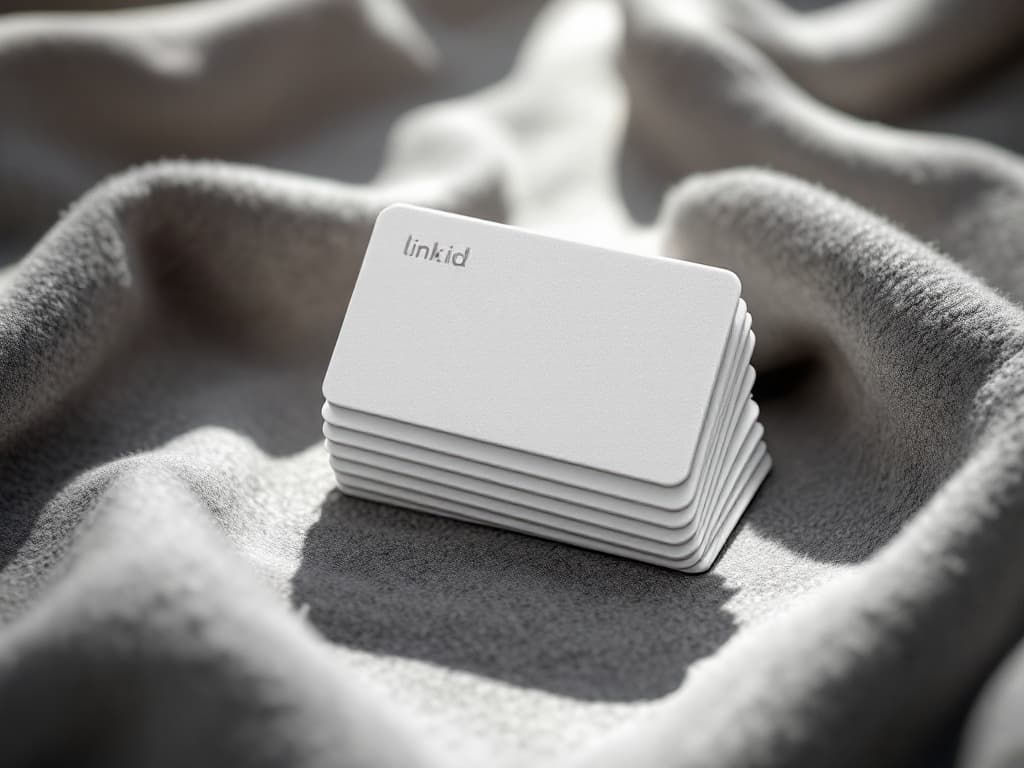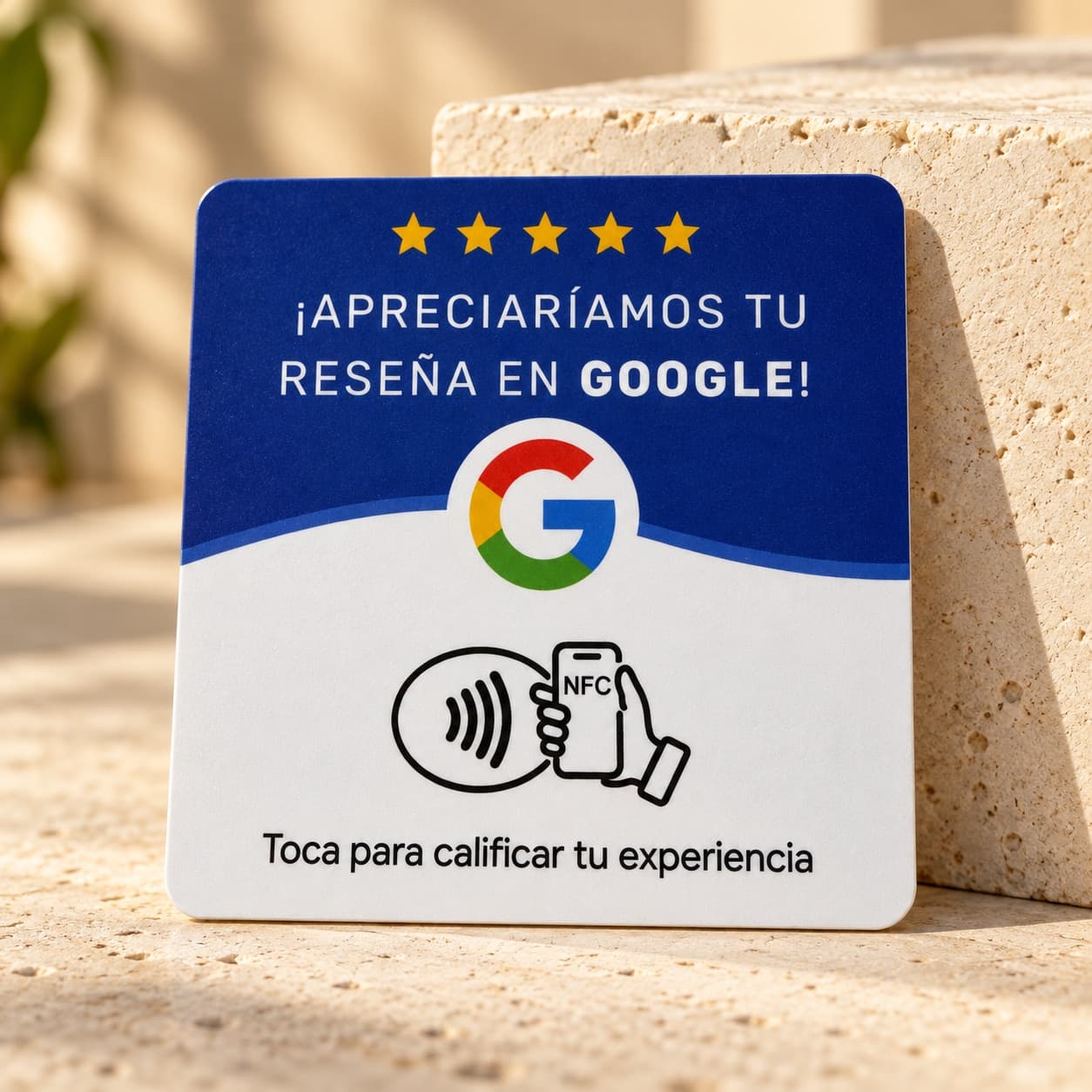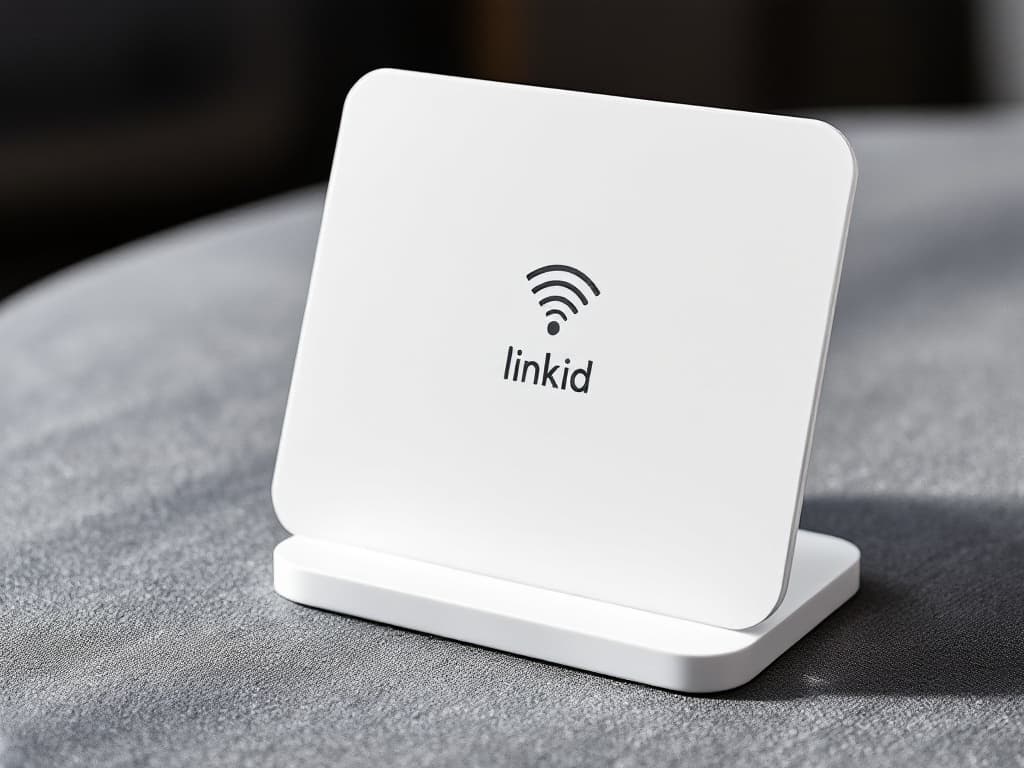
LinkID Stand
For your counter or table: customers just tap it with their phone.
NFC stand + editable business profile
For businesses
Put a LinkID by the till, on the table or at the door. Customers tap their phone and the form to review you on Google opens straight away: no app, and no searching for your business.
See the formats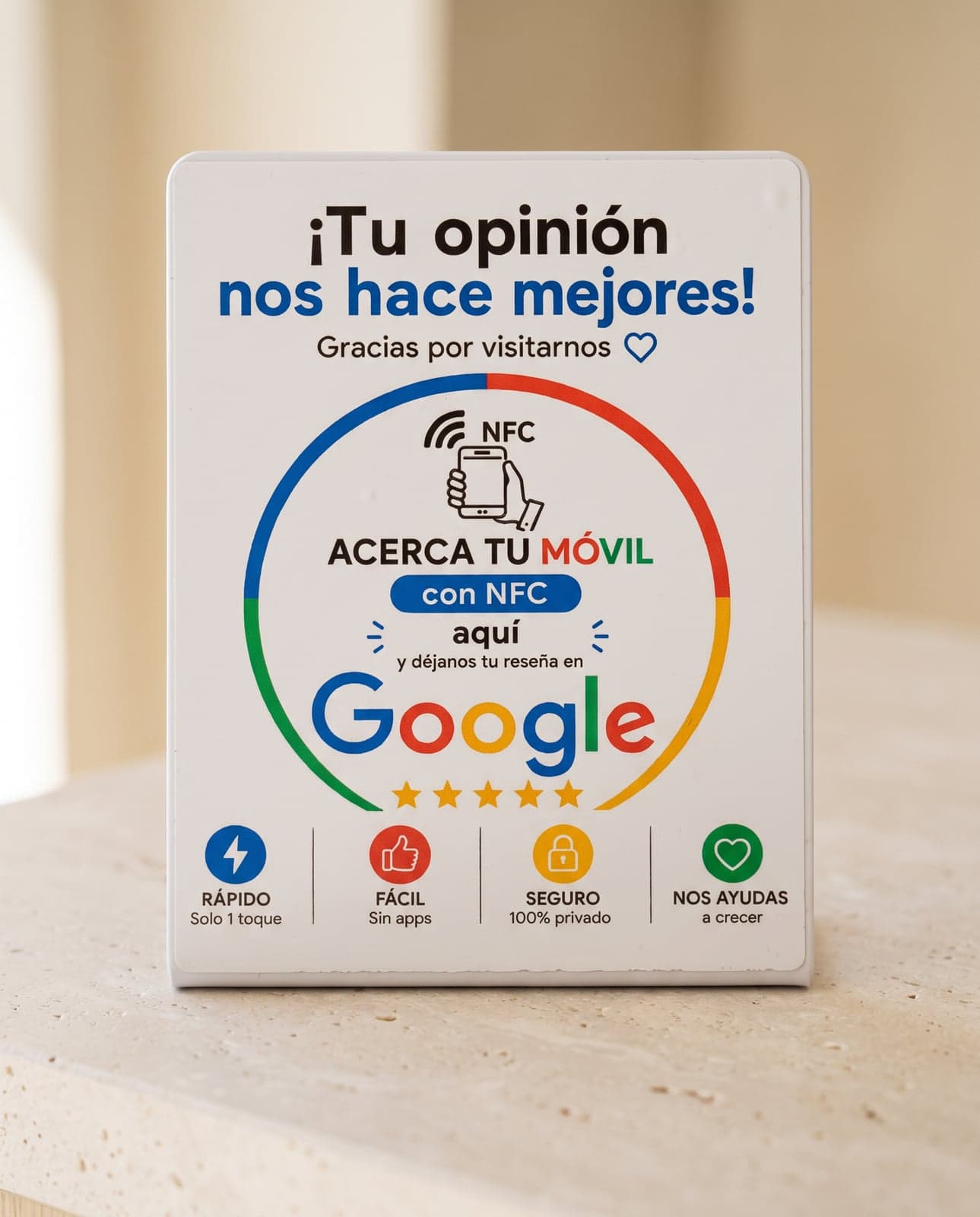
On the counter, next to the card reader, on tables or at the door: wherever customers already have their phone in hand.
Your business's Google review form opens instantly. Nothing to install, no searching for you on Maps.
When you activate it you enter your business on Google. If that ever changes, you update it from your account without reprinting anything.
All three open your business's review form. Choose based on where you'll put it.
By continuing, you accept the Terms of sale and the Privacy policy.
Ordering several of the same format: 2 units, 10% off; 3 or more, 15% off. Free shipping from 2 units.
When they pay or right after the service, while the experience is fresh. A simple “would you leave us a review? Just tap your phone here” beats any poster.
Where customers already have their phone in hand: next to the card reader, on the table when the bill comes, or at the exit.
Google doesn't allow asking only happy customers for reviews, or offering discounts or gifts in return. Asking everyone protects you and makes your rating credible.
Replying, to negative ones too, shows readers there's someone behind the business and encourages others to write.
Yes. Reviews are posted on your Google Business Profile, the listing that appears on Google Maps. If you don't have one yet, Google lets you create it for free.
When you activate it from your account you paste your business's Google identifier (the Place ID), and we show you step by step where to find it. It takes a couple of minutes.
With any iPhone XR or later and the vast majority of Android phones. The customer just taps their phone: nothing to install.
No. You pay for the product once and it keeps working, no subscription.
No, and be wary of anyone who promises that. LinkID removes the hassle of finding you and writing; each customer chooses their rating.
Deactivate it from your account in one click and it stops opening anything.
Write to us and we'll work it out with you.
€24.99
€19.99
€24.99
Only 2 units left